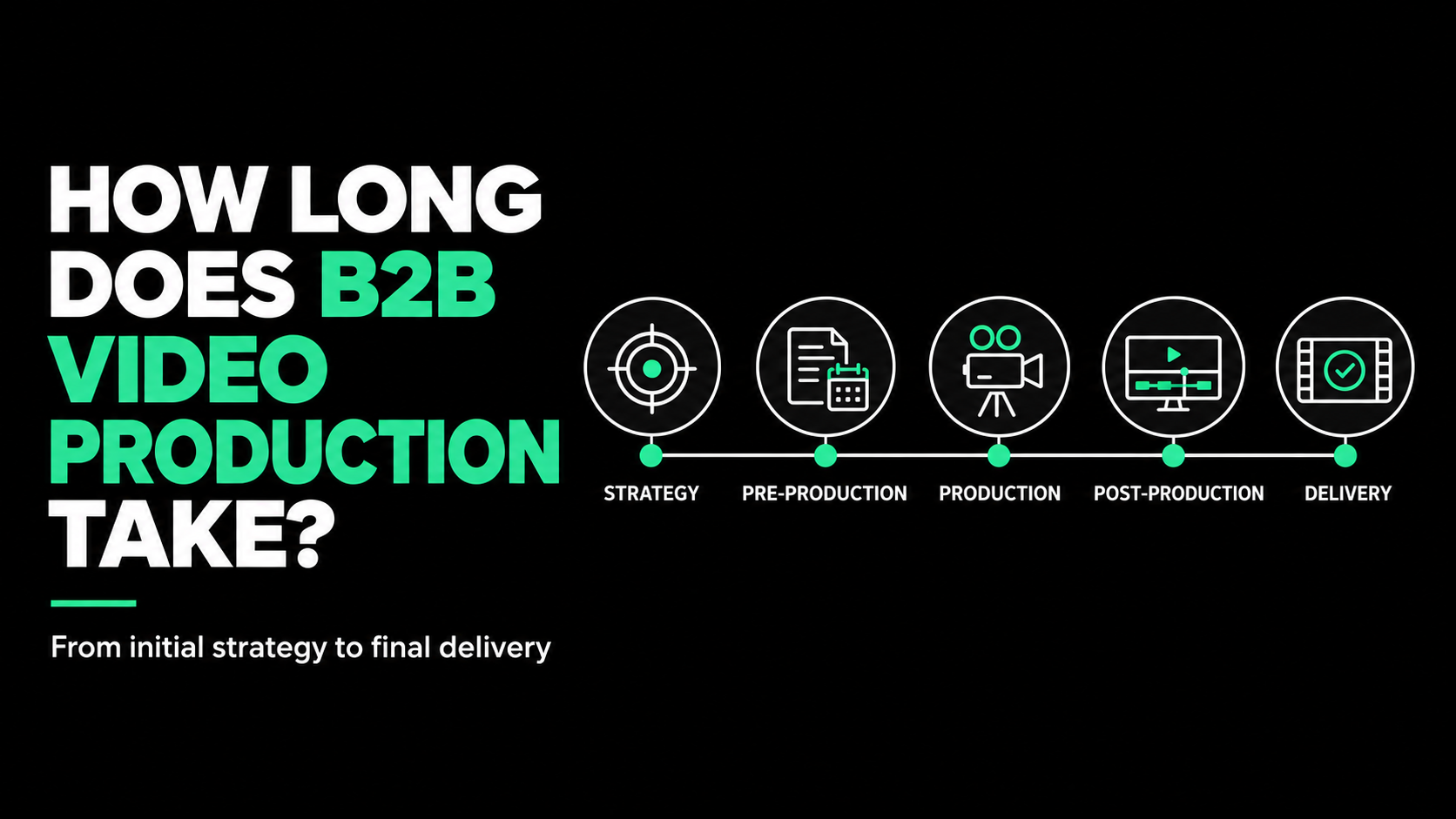
Product Demo Video vs. Explainer Video

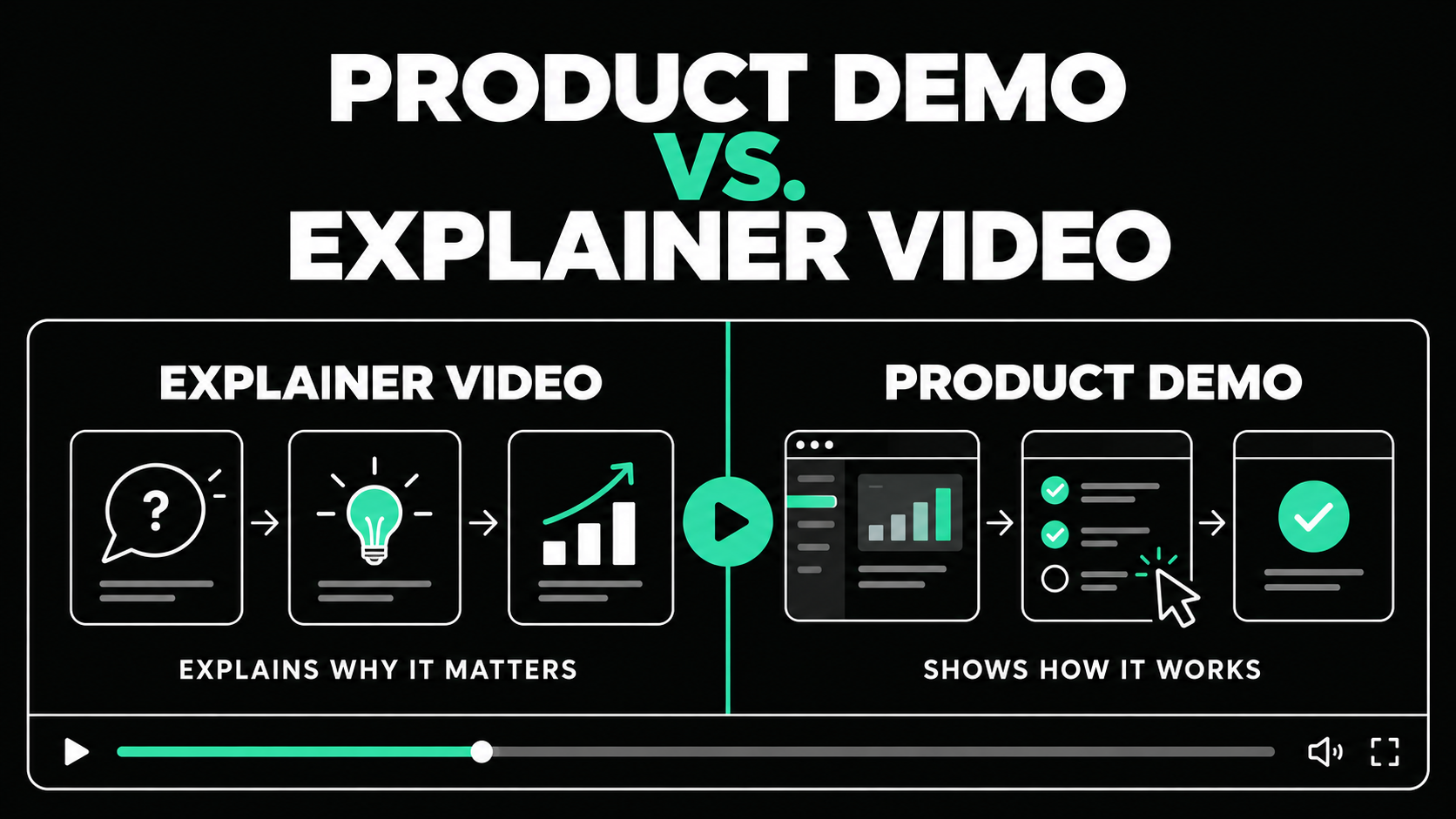
Product Demo vs Explainer Video: Which Do You Need?
The main difference between a product demo vs explainer video is the question each one answers. An explainer video answers, “Why should I care about this product or solution?” A product demo answers, “How does it work in practice?”
Use an explainer when the audience needs context, a clear problem, and a simple understanding of the value. Use a demo when the viewer already recognizes the need and wants evidence that the product can handle a specific task.
Many B2B companies need both. The right sequence depends on buyer awareness, distribution, and the intended action.
Product Demo and Explainer Video Differences at a Glance

An explainer can include product screens, and a demo can use animation. Purpose comes first. Production style comes second.
What Is an Explainer Video?
An explainer video introduces a problem, explains why it matters, and presents a product or approach as the solution. It gives the viewer a clear mental model without requiring a detailed understanding of the interface.
A strong B2B explainer focuses on one audience and problem. It shows the limits of the current process, introduces a better approach, and connects the product to that change.
A cybersecurity platform, for example, could show how scattered data makes threats harder to detect, then visualize how the product connects those signals. It does not need to demonstrate every dashboard.
Explainers work well on homepages, landing pages, paid media, launch presentations, social channels, and events. Their job is to create understanding and interest.
What Is a Product Demo Video?
A product demo video shows the product completing a real task. It moves beyond the broad promise and gives the viewer evidence of how the experience works.
The best demos follow a use case, not the navigation menu. They show the starting situation, essential steps, and result. Remove clicks, setup tasks, and secondary features that do not support the buyer’s decision.
A financial operations demo might show a user importing data, identifying an exception, and resolving it. That is more persuasive than walking through every software tab.
Product demos work on feature pages, in sales outreach, during evaluation, after webinars, and in customer education. They help buyers validate a claim or workflow.
Should You Use a Product Demo or Explainer Video?
Choose based on what the viewer needs next.
If the audience does not yet understand the problem, category, or value proposition, begin with an explainer. Showing detailed screens too early asks viewers to process a workflow before they know why it matters.
If buyers already understand the promise but need proof, use a demo. Repeating broad benefits at this stage can feel evasive. The viewer wants to see whether the product is credible, usable, and relevant to the way their team works.
Our recommendation is simple: use an explainer to establish the reason to care, then use a demo to prove the product can deliver.
Match the Video to the Buyer Journey

Awareness stage
At the awareness stage, buyers may recognize a problem without knowing the solution. An explainer is usually better because it provides context quickly.
Focus on the audience’s situation and desired outcome. Too many features make the video feel like a sales presentation.
Consideration stage
During consideration, either format may work. Choose based on the question blocking progress.
If the buyer is comparing approaches, an explainer can clarify the company’s method. If the buyer understands the approach but doubts the execution, a focused demo provides proof.
A hybrid can open with the problem and value, then demonstrate the most important workflow.
Decision stage
At the decision stage, buyers need evidence. A demo should show the use case, integration, or concern that matters.
A technical evaluator may need configuration and data flow. A department leader may care about reporting, while a daily user wants to see routine work. One generic demo rarely answers every question.
When an Explainer Video Is the Better Choice
Choose an explainer when the product is new, unfamiliar, technical, or difficult to describe in one sentence. It is also useful when the value depends on invisible activity such as automation, data movement, integrations, security controls, or work happening behind the interface.
Explainers work well as clear overviews for homepages, launches, campaigns, or events. Animation can simplify complex systems, while selected product moments add credibility.
The main risk is being vague. A useful video identifies a real problem, shows a better state, and connects the product to that change.
When a Product Demo Video Is the Better Choice
Choose a demo when buyers ask about workflows, integrations, usability, or implementation, especially when the product experience is a competitive advantage.
Short demos can also help sales answer objections and are often more useful than one long walkthrough.
The main risk is turning the video into a recorded software tour. Showing where features are located is not the same as explaining their value. Every screen should help the viewer understand how the product solves a meaningful problem.
Can One Video Be Both a Demo and an Explainer?
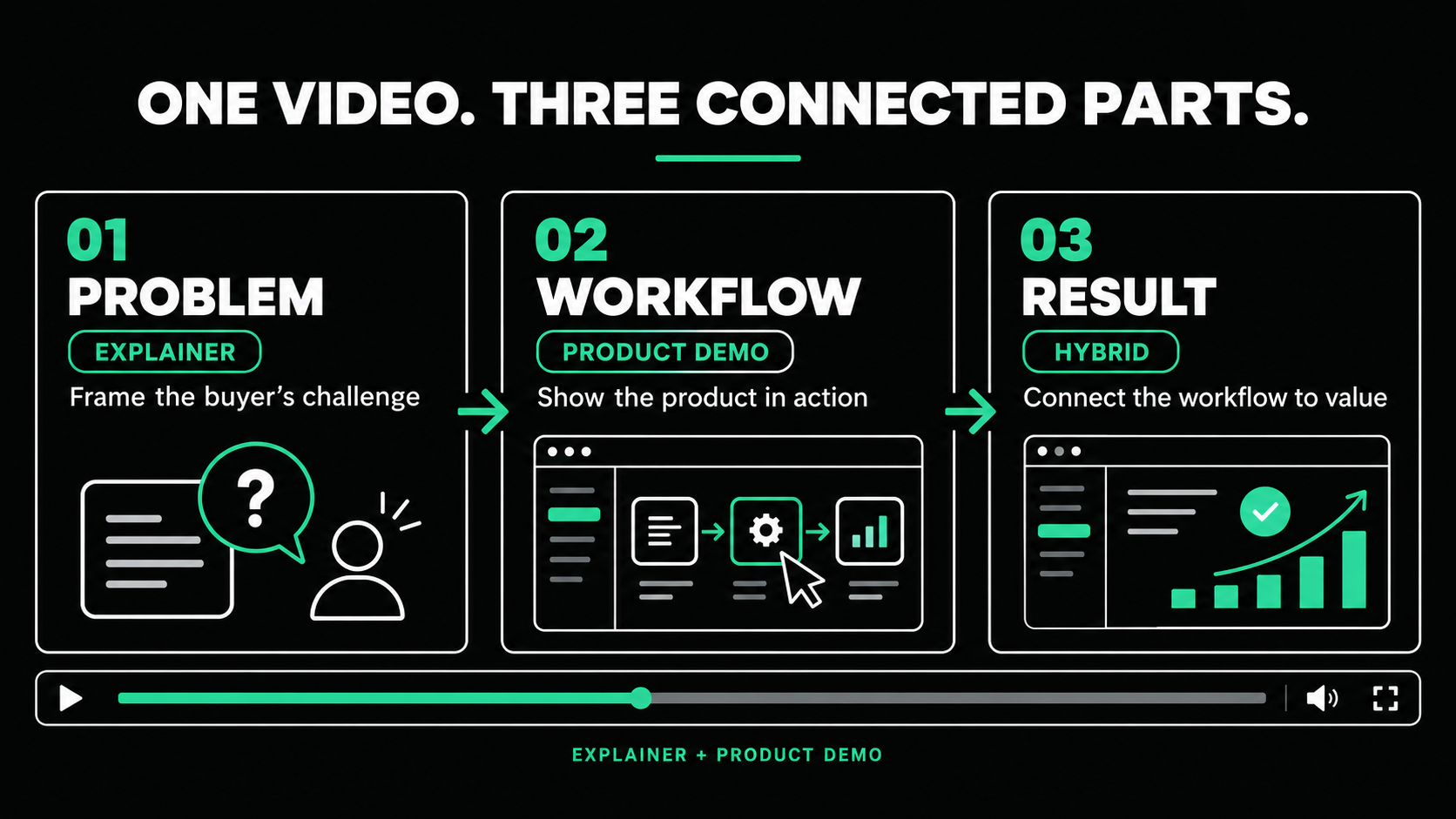
Yes, but the combination needs a clear structure. Start with the problem and desired outcome, introduce the product’s role, then demonstrate one workflow that proves the main claim.
A two-minute SaaS video might spend 30 seconds on the problem, 60 seconds on the workflow, and 30 seconds on the result and next step.
This works when the audience needs both context and proof. It fails when the team forces a full overview and complete demonstration into one short asset.
If both jobs cannot be handled clearly, create two connected videos: an explainer for interest and a demo for evaluation.
How Long Should Each Video Be?
Length should follow intent. A focused explainer often works within one to two minutes. A demo may run two to five minutes for one workflow. Technical tutorials can be longer when the audience expects depth.
Wistia’s 2026 analysis of more than 13 million videos recommends matching runtime to the goal. It identifies one to five minutes as a useful range for explanation, while longer formats can support deeper walkthroughs and education. Wistia’s video-length research
Do not make a demo longer simply because more features exist. Create separate videos when buyers need different use cases or levels of detail.
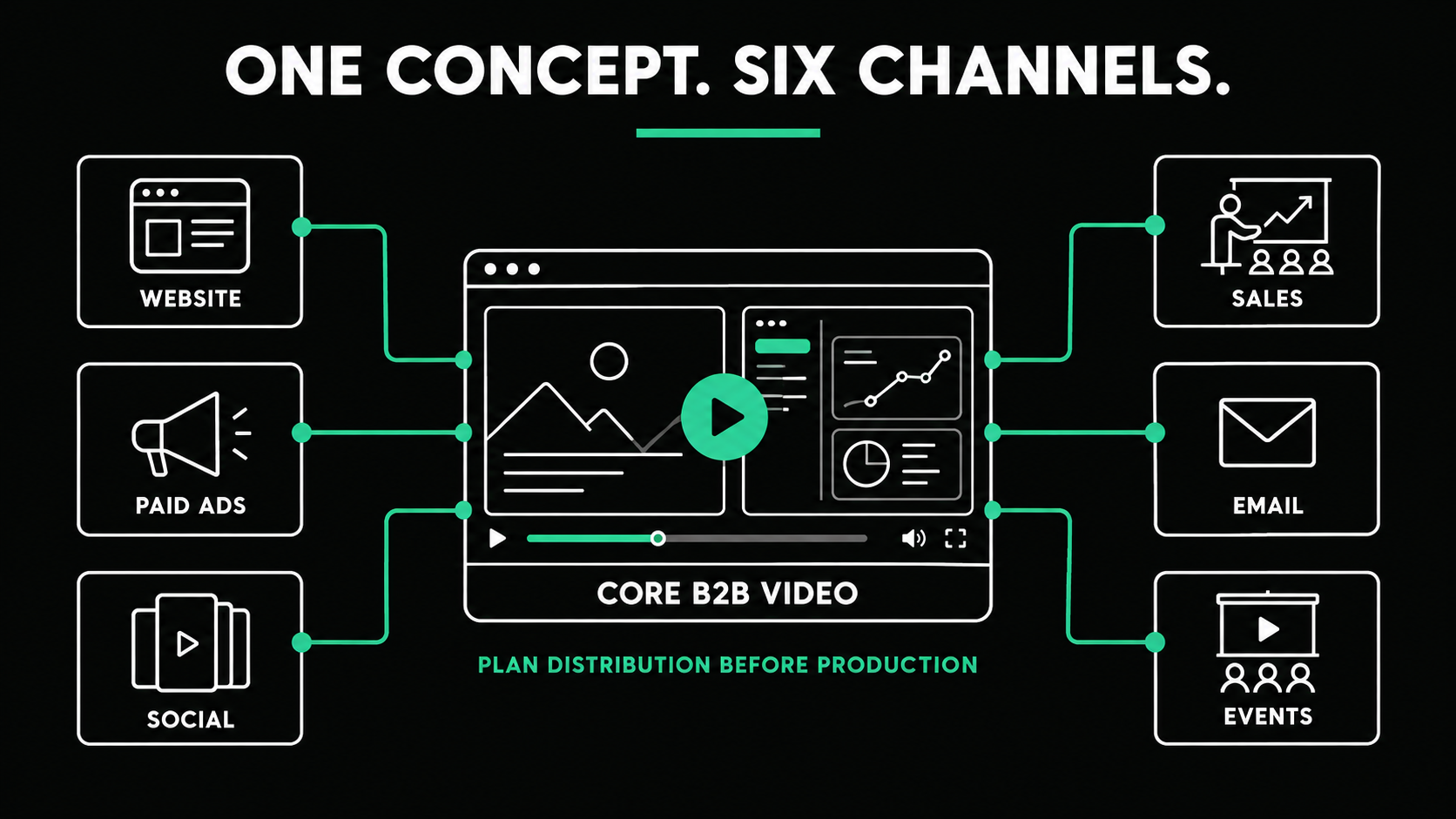
Plan Distribution Before Production
Placement changes the opening, detail, and next step. Paid social needs immediate context, a product page can assume more interest, and a sales video can address one objection.
Plan captions, formats, cutdowns, and calls to action early. W3C accessibility guidance calls for captions on prerecorded synchronized media containing speech and meaningful audio. W3C guidance on captions
One concept can support an explainer, product clips, ads, sales outreach, presentations, email, and events when these needs are planned in the script and storyboard.
How to Choose the Right Video Partner
A capable partner should define the objective before recommending a format. Confirm how the team will shape the message, represent the product, manage reviews, and plan channel versions. Check whether strategy, scripting, storyboarding, captions, revisions, and final formats are included.
Spacebar Visuals works with B2B companies facing long sales cycles, technical products, multiple decision-makers, and limited internal capacity. The goal is to build the right asset for the buyer’s next question.
Product Demo vs Explainer Video: The Final Decision
The demo video vs explainer video decision becomes easier when you stop thinking about format first.
Choose an explainer when the audience needs context and a reason to care. Choose a product demo when the audience needs evidence of how the product works. Use a hybrid when one focused workflow can prove the core promise without overcrowding the story.
If buyers need both, let the explainer create the mental model, then use targeted demos to support evaluation.

Not sure whether your next project should be a product demo, an explainer, or a planned series using both?
Spacebar Visuals helps B2B teams connect video strategy and production to product marketing, demand generation, sales enablement, customer education, events, and brand awareness.
Book a video strategy call to discuss your audience, buyer journey, distribution plan, and the right format for your goal.
Let’s build your product story together


View Related Resources
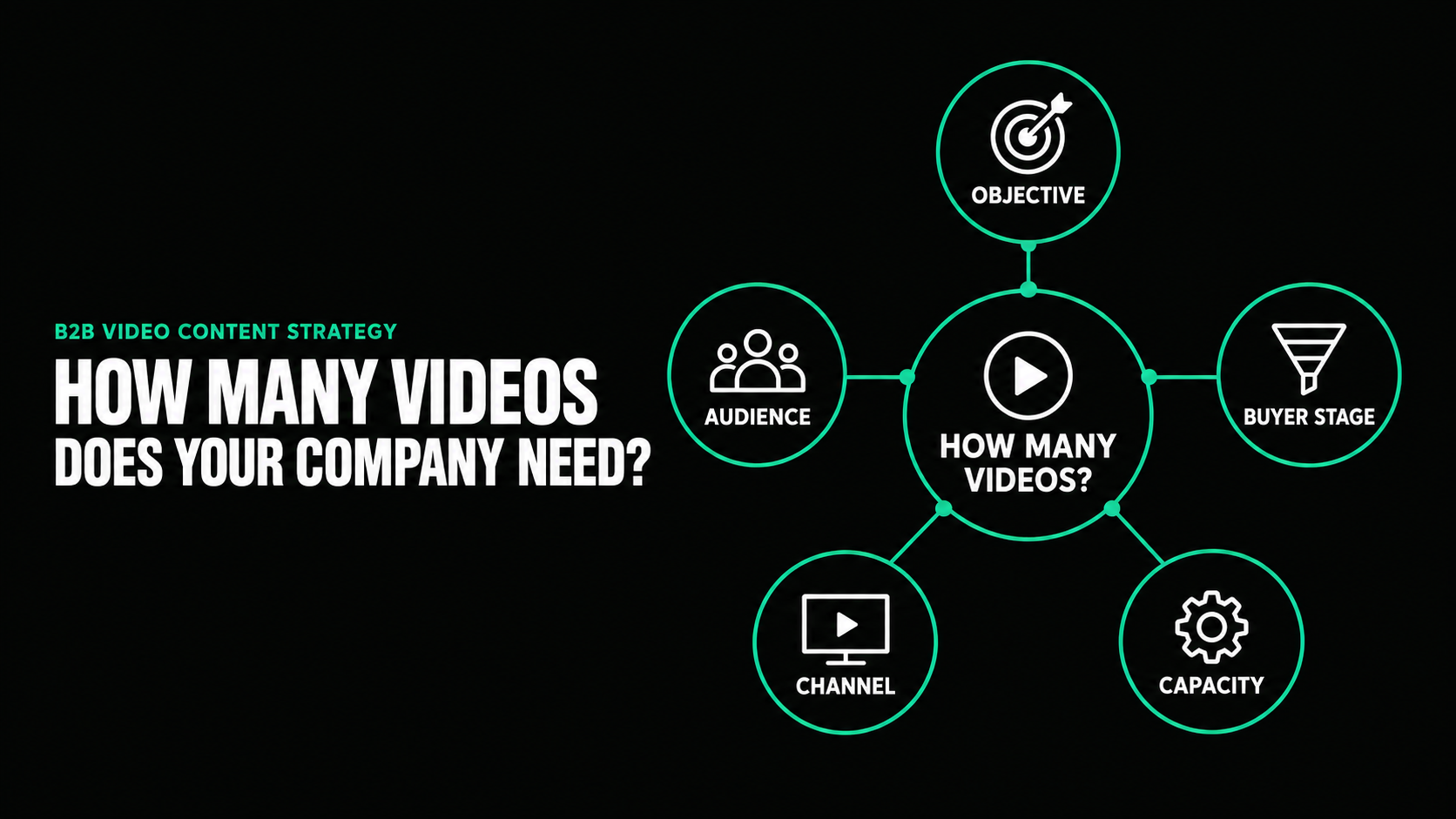
How Many Videos Does Your B2B Company Actually Need?
.png)
Animated vs Live Action Video for B2B Companies